
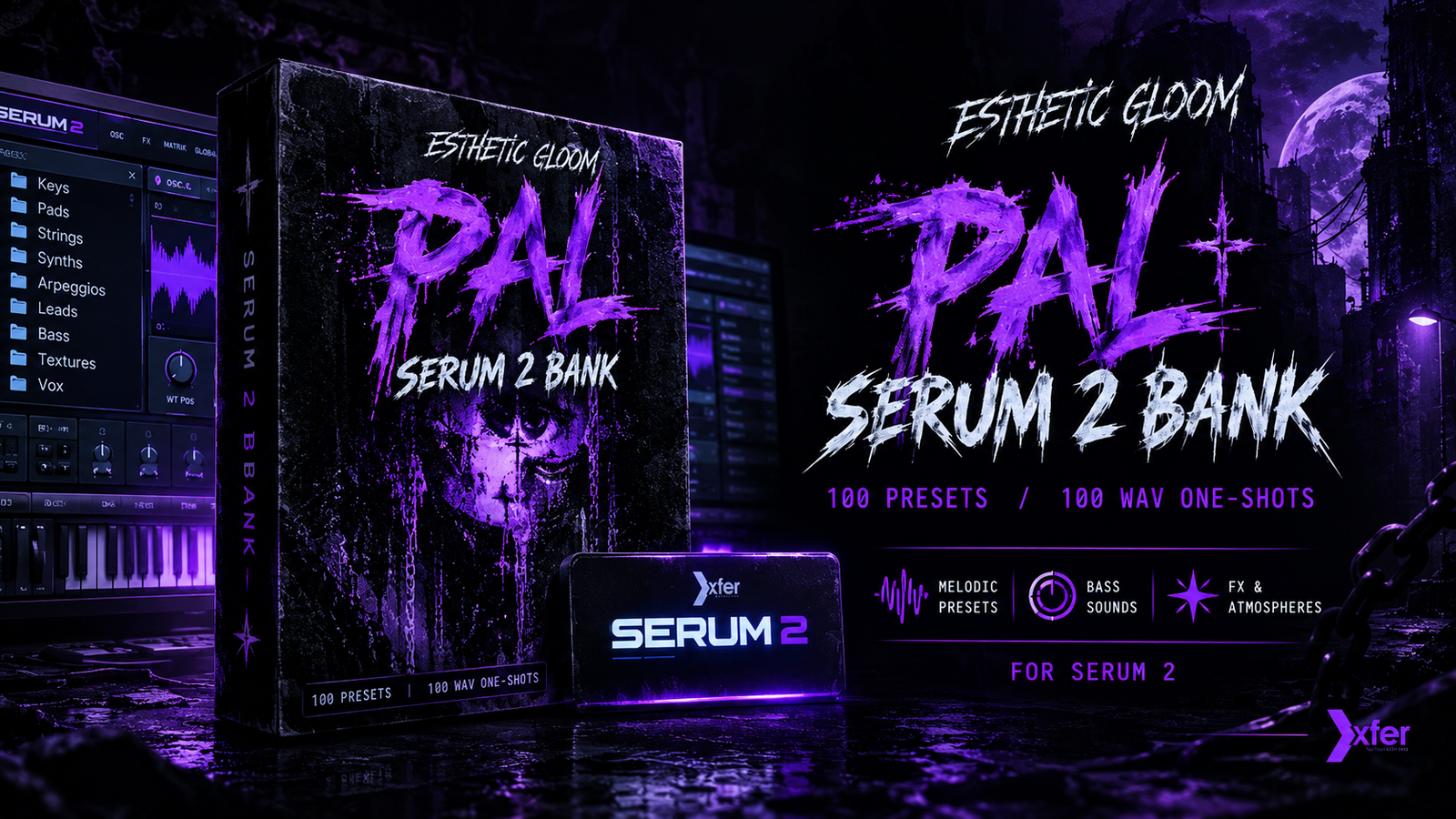

| Kit Name | Esthetic Gloom – PAL Serum 2 Bank |
| Pack Type | Serum 2 Preset Bank + WAV One-Shots |
| Sound Category | Dark synths, pads, strings, bass, leads, textures and vocals |
| Best For | Dark trap, underground hip-hop, horror-inspired beats, experimental and atmospheric production |
The PAL Serum 2 Bank by Esthetic Gloom is a dark, atmospheric preset collection designed for underground and experimental music production. The creator lists 100 Serum 2 presets across nine categories, plus 100 WAV one-shots.
Key Features:
-
100 Serum 2 presets for creating distinctive synth sounds.
-
100 WAV one-shots for flexible use in samplers and audio tracks.
-
Nine preset categories covering keys, pads, strings, synths, arpeggios, leads, bass, textures and vocal sounds.
-
Dark, eerie textures and aggressive, overloaded synth tones.
-
Adjustable sounds that can be shaped with filters, envelopes, modulation and effects.
-
Useful for building melodies, atmospheric layers, bass parts and experimental arrangements.
How to Use:
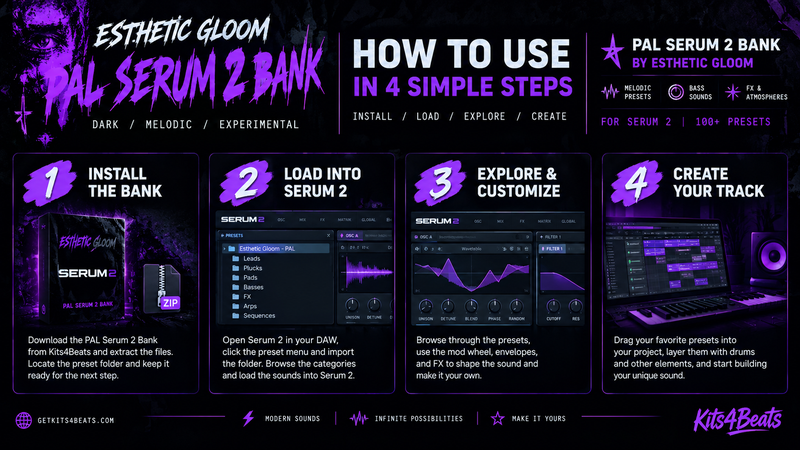
1. Install the preset bank
Download and extract the archive. Locate the PAL bank files and follow the preset-import instructions for your installed version of Serum 2.

2. Load Serum 2 in your DAW
Open Serum 2 on an instrument track and browse or import the bank using the plugin’s supported preset workflow.

3. Explore and customize
Try different categories, adjust the filter and envelope settings, and experiment with modulation and effects to make the sounds fit your idea.

4. Build your track
Create melodies and chord progressions, layer presets with drums and bass, and use the included WAV one-shots where appropriate.
What sounds does it have?
The official product listing identifies these preset categories:
| Sound Category | Quantity |
|---|---|
| Keys | 13 |
| Pads | 20 |
| Strings | 15 |
| Synths | 19 |
| Arpeggios | 3 |
| Leads | 10 |
| Bass | 7 |
| Textures | 8 |
| Vox | 5 |
| Total Serum 2 presets | 100 |
| Additional WAV one-shots | 100 |
System Requirements:
| Plugin | Xfer Serum 2 synthesizer |
| Operating System | Windows or macOS, subject to Serum 2 and DAW compatibility |
| Compatible DAWs | FL Studio, Ableton Live, Logic Pro, Cubase |
| Format | Serum 2 presets; 100 WAV one-shots |